State-of-the-art planning and design software
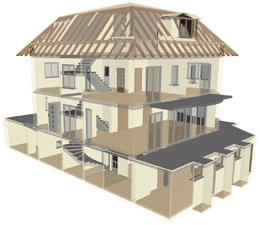 cadvilla represents innovative planning and design software – a must for all those involved in the planning and construction of buildings!
Professional Software
With our new professional software, you construct and design based on a three-dimensional model. Each step of your planning, each design element is transformed into a 3D representation, displayed and integrated in the overall design. Hence, cadvilla gives shape to your ideas from the very start, transforms them into virtual reality, and lets you visually experience the development of your dream object – from the first “stroke” to final completion.
Easy to Use
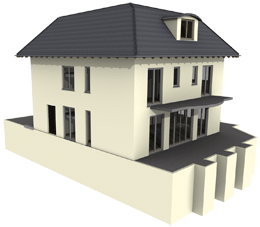 cadvilla no longer relies on traditional 2D drafting, and completely eliminates the distinction between construction and visualization. With the help of grids, guidelines and other construction aids, you can quickly create floor plans, select furnishings and design interiors. No special CAD knowledge is required to use the cadvilla software.
Once the, for the most part automatic, installation has been completed, you can immediately start creating your first floor plans – from the very start you are totally immersed in the realization of your dreams.
Realize your Dreams
Whether you are an architect, an interior designer, a manufacturer of prefabricated houses or furniture, a real estate agent – or just someone building or planning their own house or apartment , simply choose from the four cadvilla versions
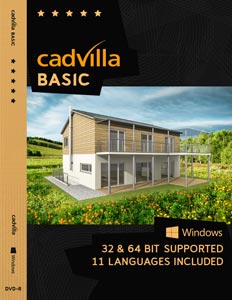
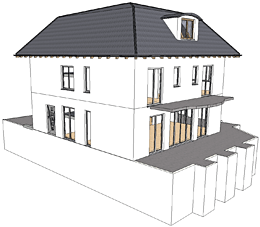 cadvilla basic
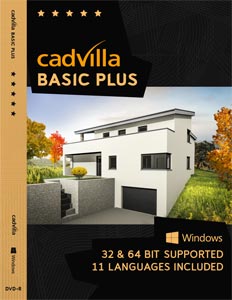
- cadvilla basic plus
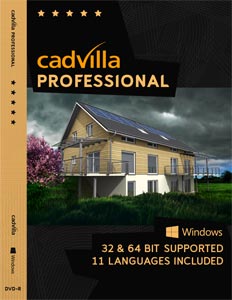
- cadvilla professionell
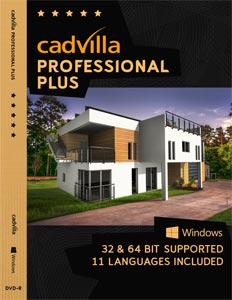
- cadvilla professionell plus
the software best suited to your requirements and needs.
Of course, it is always possible to upgrade a particular product version by means of additional modules – or simply choose from the start a version with a wider range of modules, so that you can further develop your planned object at any time.
All data created by a particular software version is fully compatible with all other versions. Projects created with ArCon open can be imported in their entirety in cadvilla professional and cadvilla professional plus. A detailed comparison of the functions provided by the various versions can found in the menu under Compare Products/ Versions.
Available product versions of cadvilla
cadvilla is available in four different software versions.
cadvilla basic and cadvilla basic plus are intended for home users, and include all the functions required to create professional floor plans and to produce high-resolution, photo-realistic images.
cadvilla professional and cadvilla professional plus are intended more for professional use. These versions include all functions – create floor plans, layout plans, produce professional, photo-realistic images, and even include project data from other CAD systems with the import function for DXF, DWG and ArCon [planTEK] formats.